 Pulsarfinance
 payment links: Pulsar Money Send vs Request
Pulsar Money's Payment Links module provides Send for outgoing digital-asset payments and Request for asking another party to pay. The links use smart contracts for one-time transfers. The documented Send flow includes a transaction that the sender signs and submits before sharing the link, followed by a receiving transaction that the recipient completes with their own wallet.
Updated
- Documented network scope
- The Payment Links guide describes the module on MultiversX and presents Starknet as a planned expansion. That announcement doesn't establish a completed Starknet release for Payment Links.
- Supported assets
- EGLD and supported ESDT tokens on MultiversX, including USDC and USDT. The asset and network must match those supported for the selected transfer.
Configuration and authorization
The setup guide places Send and Request in the same Payment Links section. Its configuration fields include the payment amount, currency, and recipient information. A recipient name, description, and optional GIF can personalize the link.
The detailed signing and receiving instructions describe Send. Request is listed as another entry point, but the guide doesn't specify a separate payer-side authorization or settlement sequence for that option. The documented Send procedure therefore doesn't establish identical funding or claiming mechanics for Request.
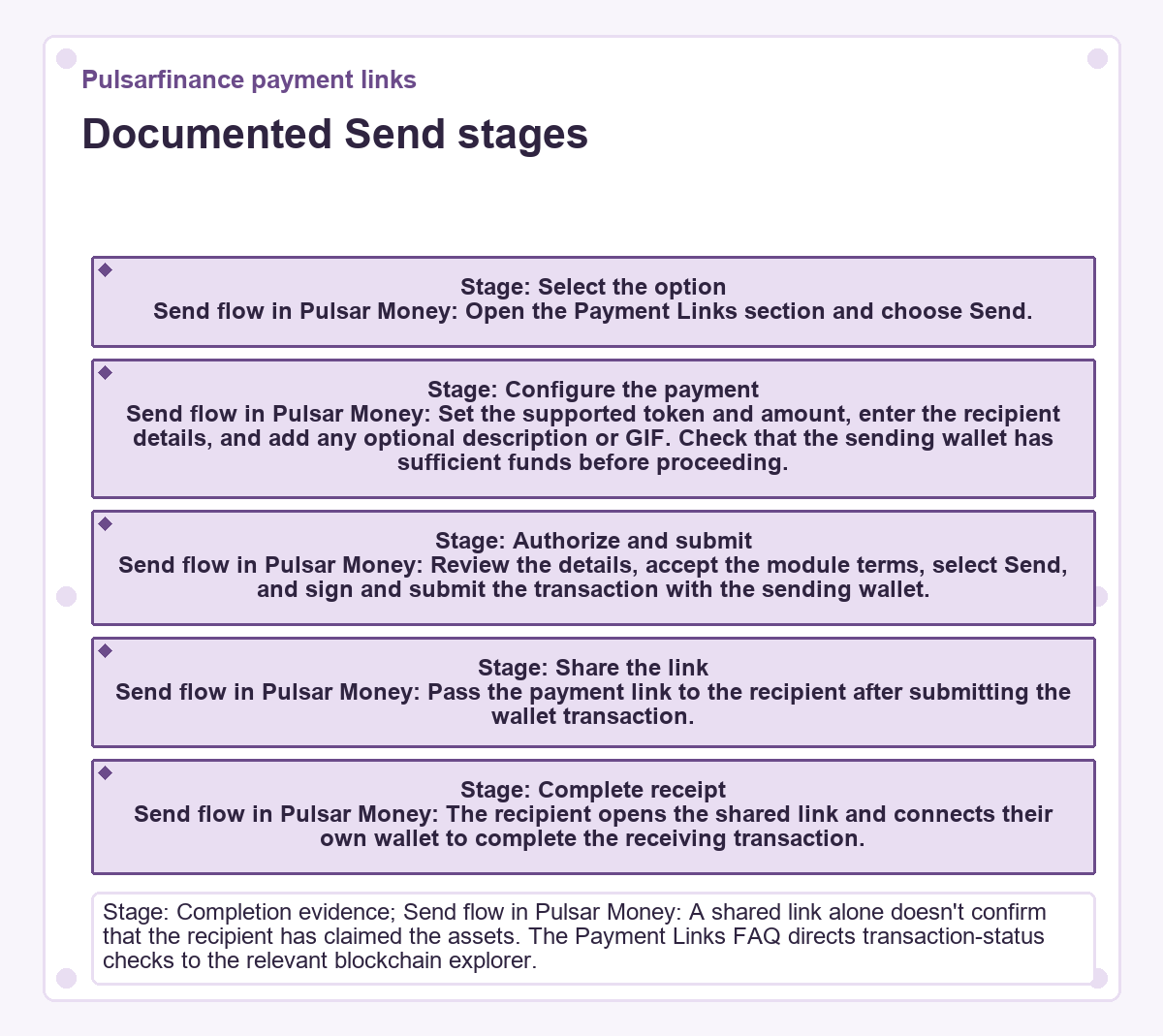
Documented Send stages
| Stage | Send flow in Pulsar Money |
|---|---|
| Select the option | Open the Payment Links section and choose Send. |
| Configure the payment | Set the supported token and amount, enter the recipient details, and add any optional description or GIF. Check that the sending wallet has sufficient funds before proceeding. |
| Authorize and submit | Review the details, accept the module terms, select Send, and sign and submit the transaction with the sending wallet. |
| Share the link | Pass the payment link to the recipient after submitting the wallet transaction. |
| Complete receipt | The recipient opens the shared link and connects their own wallet to complete the receiving transaction. |
| Completion evidence | A shared link alone doesn't confirm that the recipient has claimed the assets. The Payment Links FAQ directs transaction-status checks to the relevant blockchain explorer. |
Failed transfers and recurring payments
A failed Payment Link transaction calls for checking the entered details and whether the wallet has sufficient funds. The module FAQ directs persistent problems to Pulsar Money support.
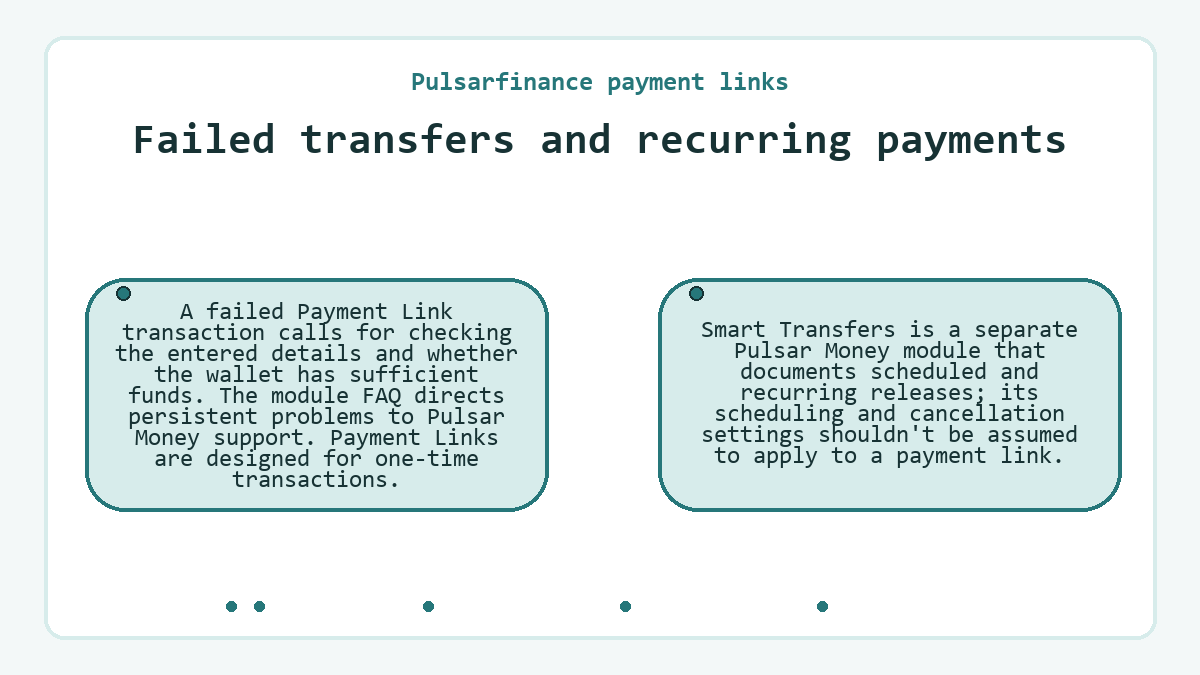
Payment Links are designed for one-time transactions. Smart Transfers is a separate Pulsar Money module that documents scheduled and recurring releases; its scheduling and cancellation settings shouldn't be assumed to apply to a payment link.
Provider-operated payment links
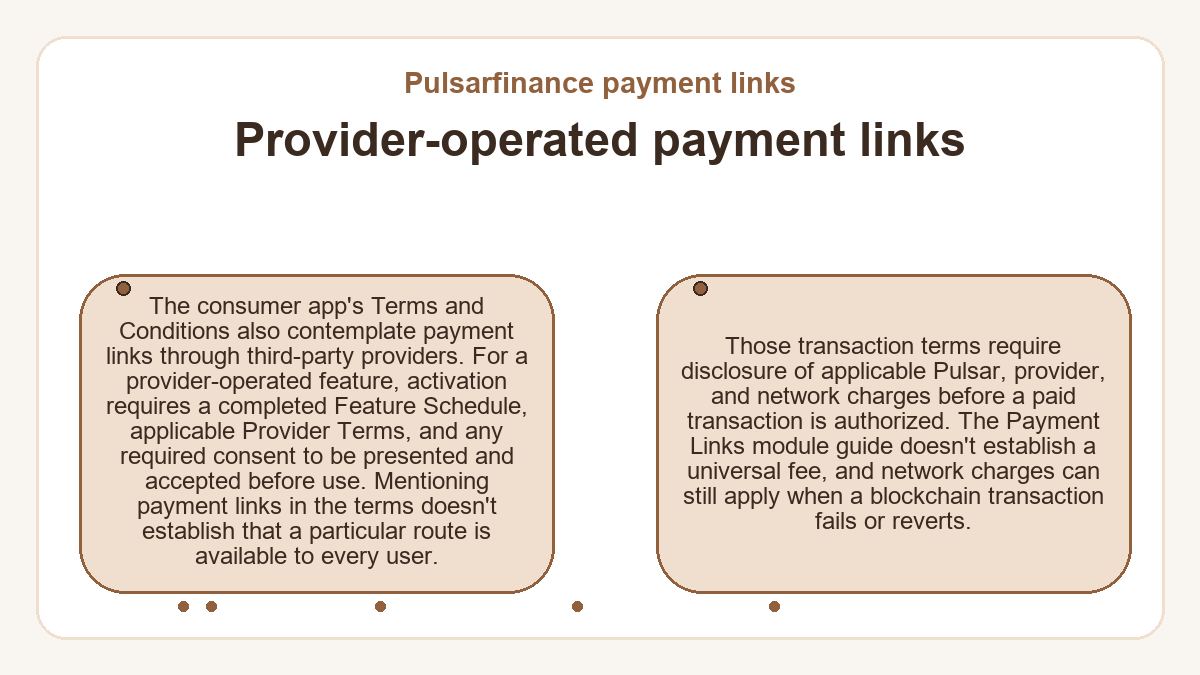
The consumer app's Terms and Conditions also contemplate payment links through third-party providers. For a provider-operated feature, activation requires a completed Feature Schedule, applicable Provider Terms, and any required consent to be presented and accepted before use. Mentioning payment links in the terms doesn't establish that a particular route is available to every user.
Those transaction terms require disclosure of applicable Pulsar, provider, and network charges before a paid transaction is authorized. The Payment Links module guide doesn't establish a universal fee, and network charges can still apply when a blockchain transaction fails or reverts.